Creating and editing Business Units
Menu → Financial → Business Units
In this article, you will have access to information on:
To consult register, edit the list of Business Units, include cost centers and their items on the platform, access the page Business Units in menu Financial.
When you access the page, you will see a list of registered business units:
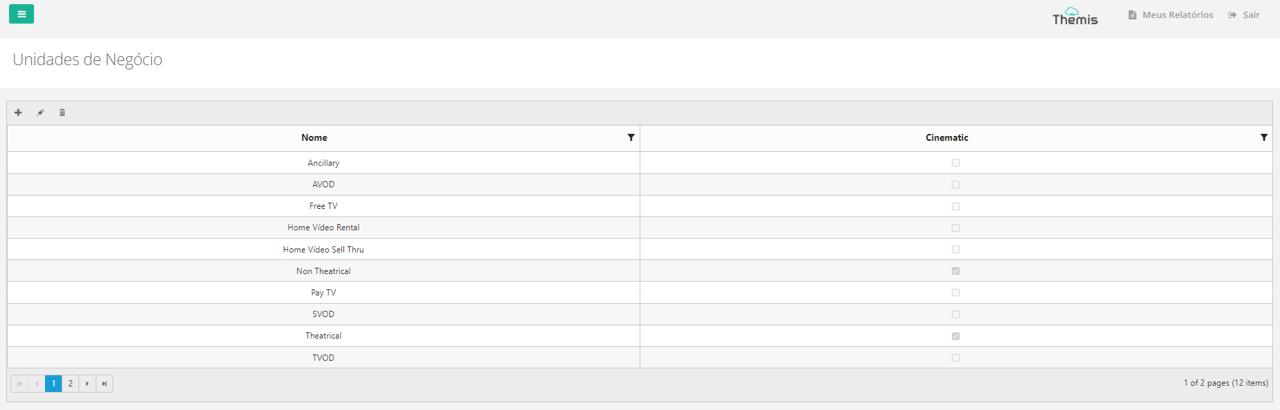
Register and edit a business unit
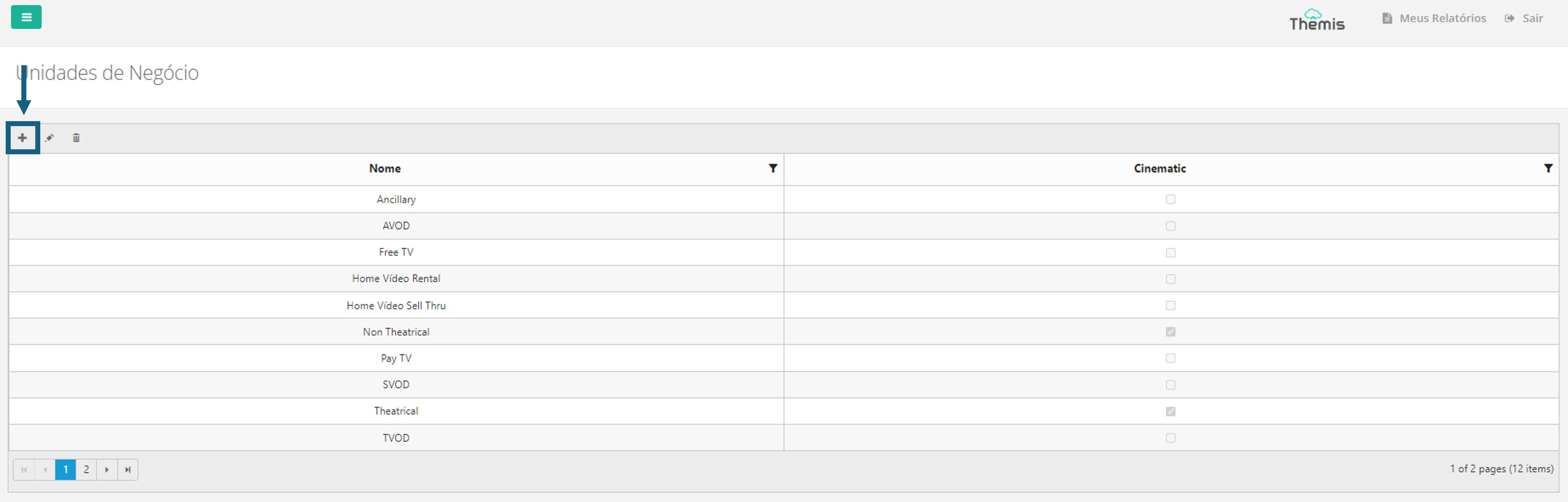
1. To register a business unit, simply click on the "+" icon in the top left-hand corner of the page:
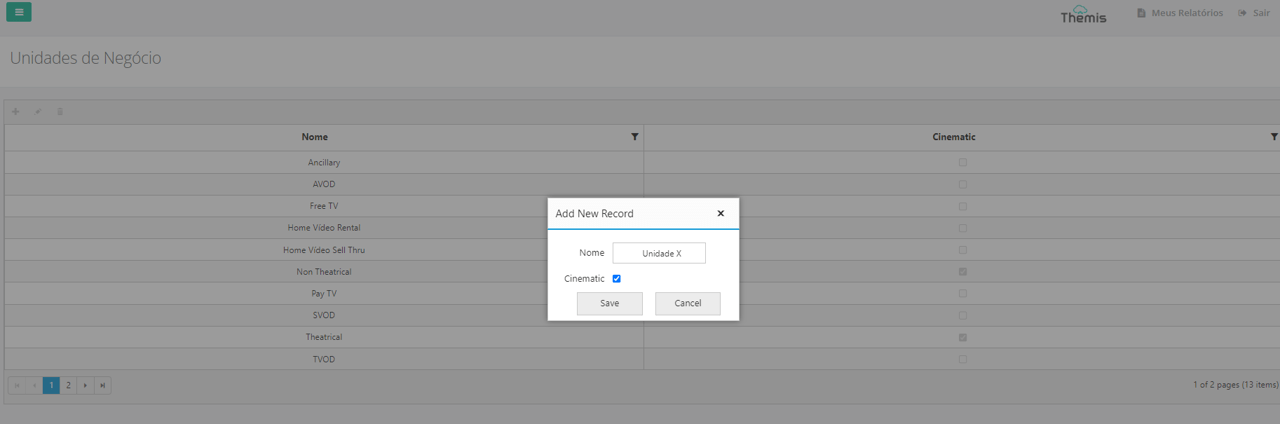
2. When the pop-up opens, fill in the name of the unit and check the "Cinematic" box if applicable. Then click on "save":
3. Find the new business unit you have created in the general list and double-click to access it. When you access the right-hand screen, you'll see the following fields at the top:
- Code: Automatically filled by the system and cannot be edited.
- Name: Name of the unit, not editable;
Register cost center
1. At the bottom of the page, you must register the cost centers for this new unit. Click on the "+" icon to add a new cost center:
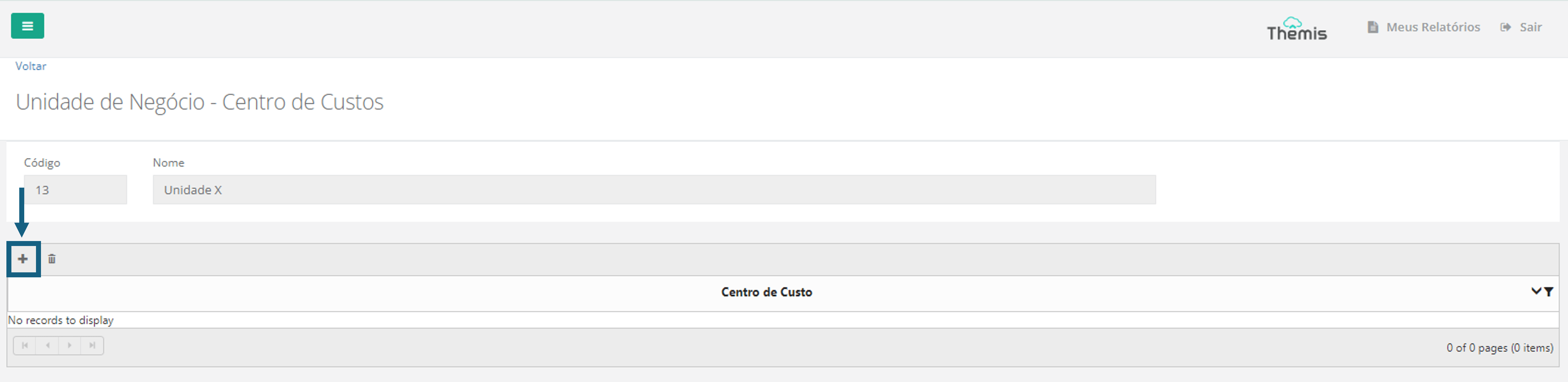
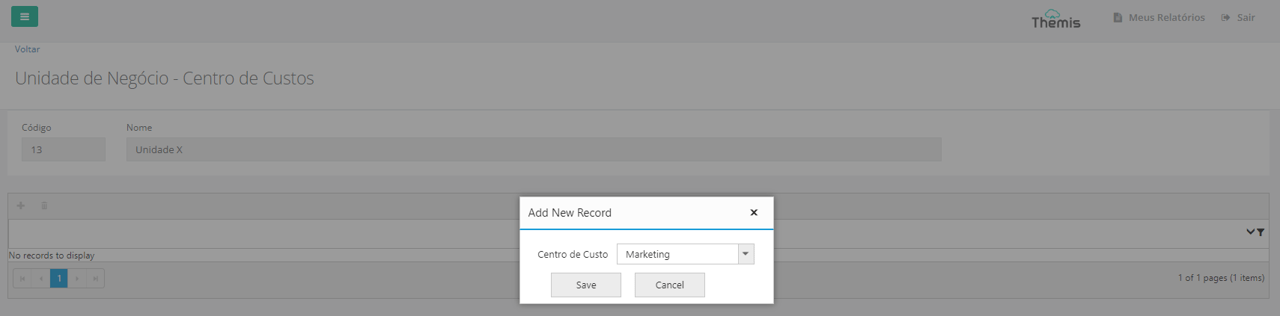
2. In the pop-up that will open, choose the cost center from the drop-down list and click "save". Repeat this action to include other cost centers if necessary. To find out more about the cost center list and how to change it, click here:
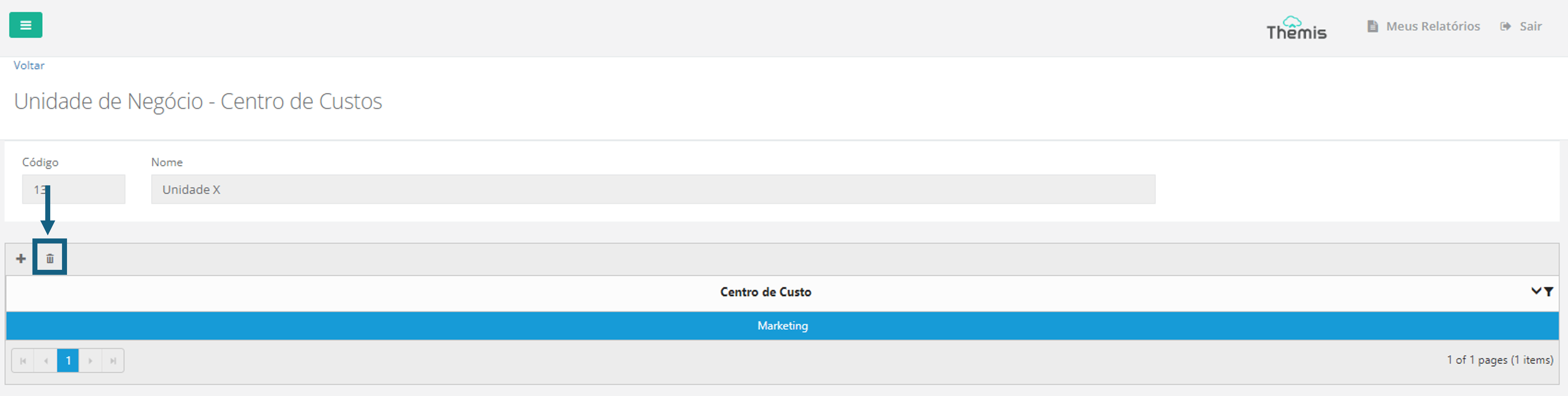
3. You can also delete a cost center. Simply select the item to be deleted and click on the "trash can" icon:
Register cost center items
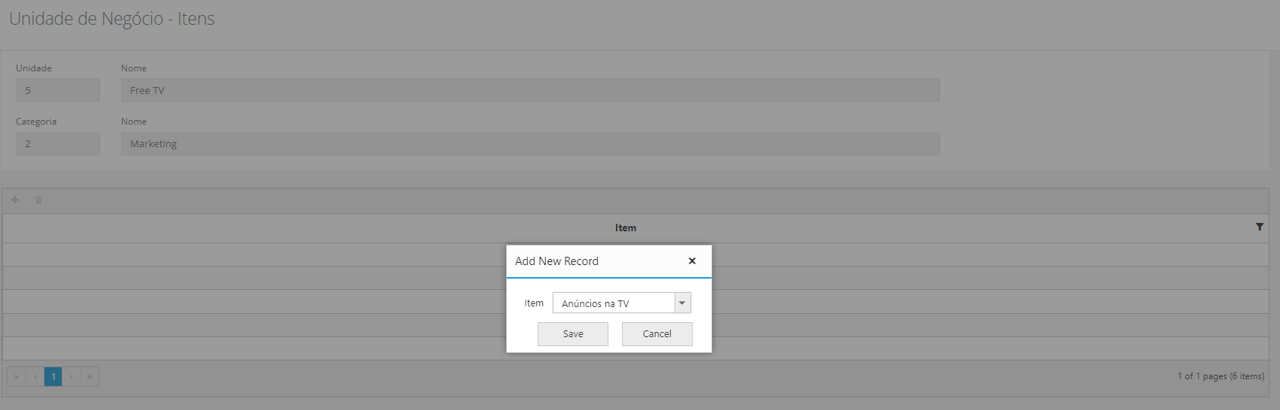
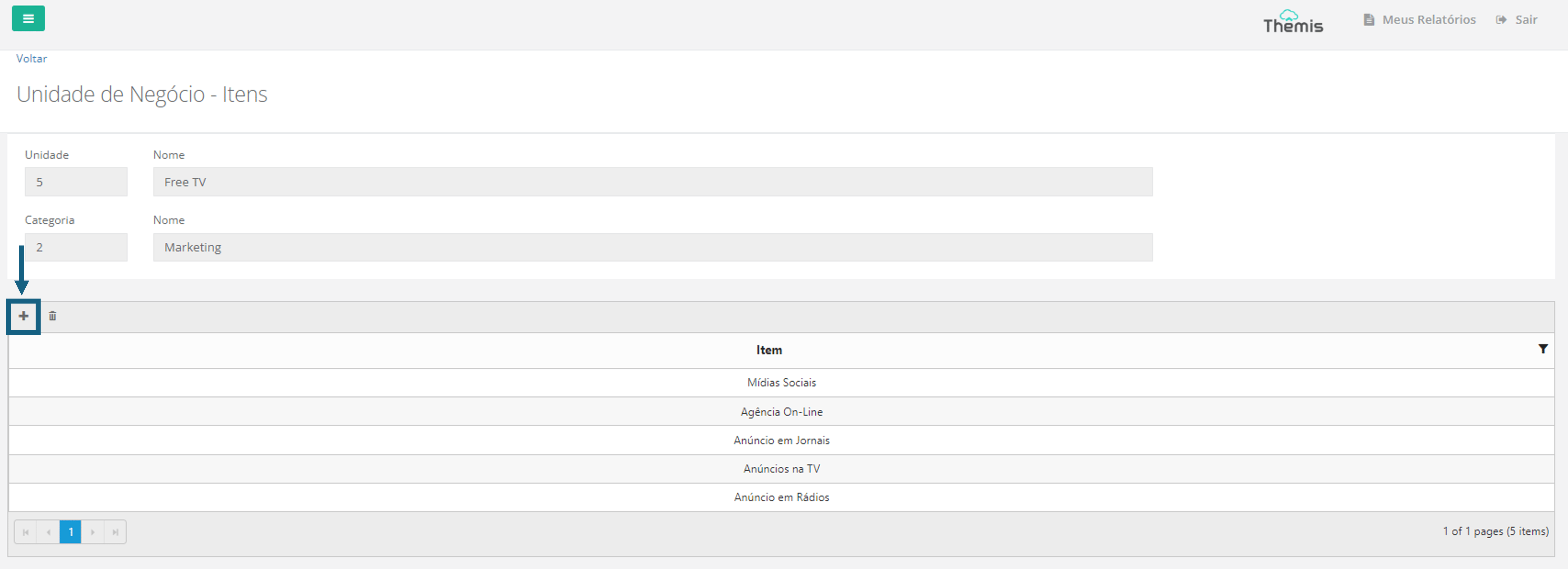
By double-clicking on the cost center, you will access the Business Unit - Items page, where you can include items related to the cost center. For example, if the cost center is "Marketing", you can register items such as social media, TV ads, marketing agency costs, among others.
1. To add a new cost center item, click on the "+" icon at the top left of the page:
2. When the pop-up opens, select the desired item from the drop-down list and click "save":